Self-hosted file sharing
Your files.Your name.
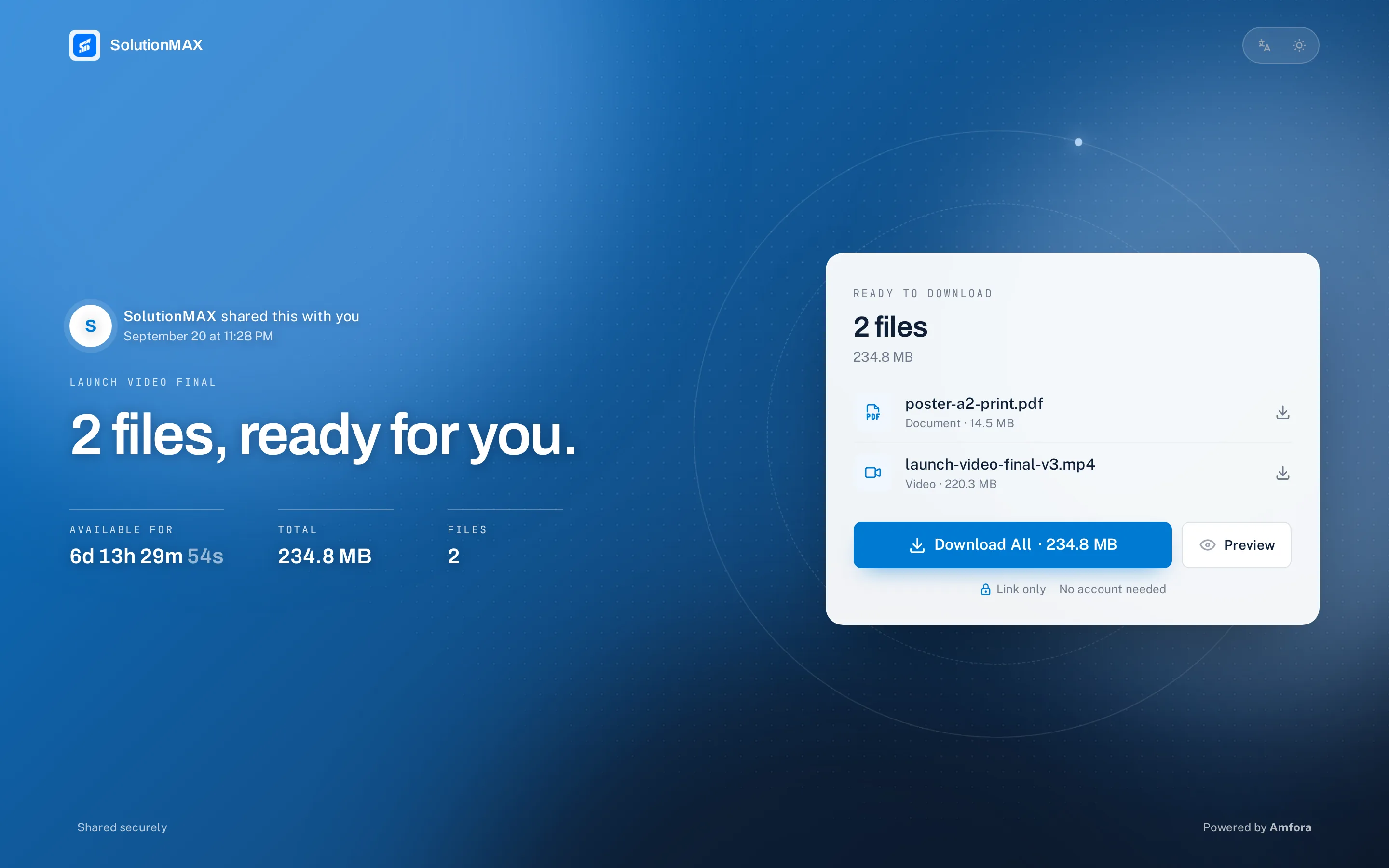
Send download links and collect files from clients, on your own server and under your own brand. The people you send to never need an account.
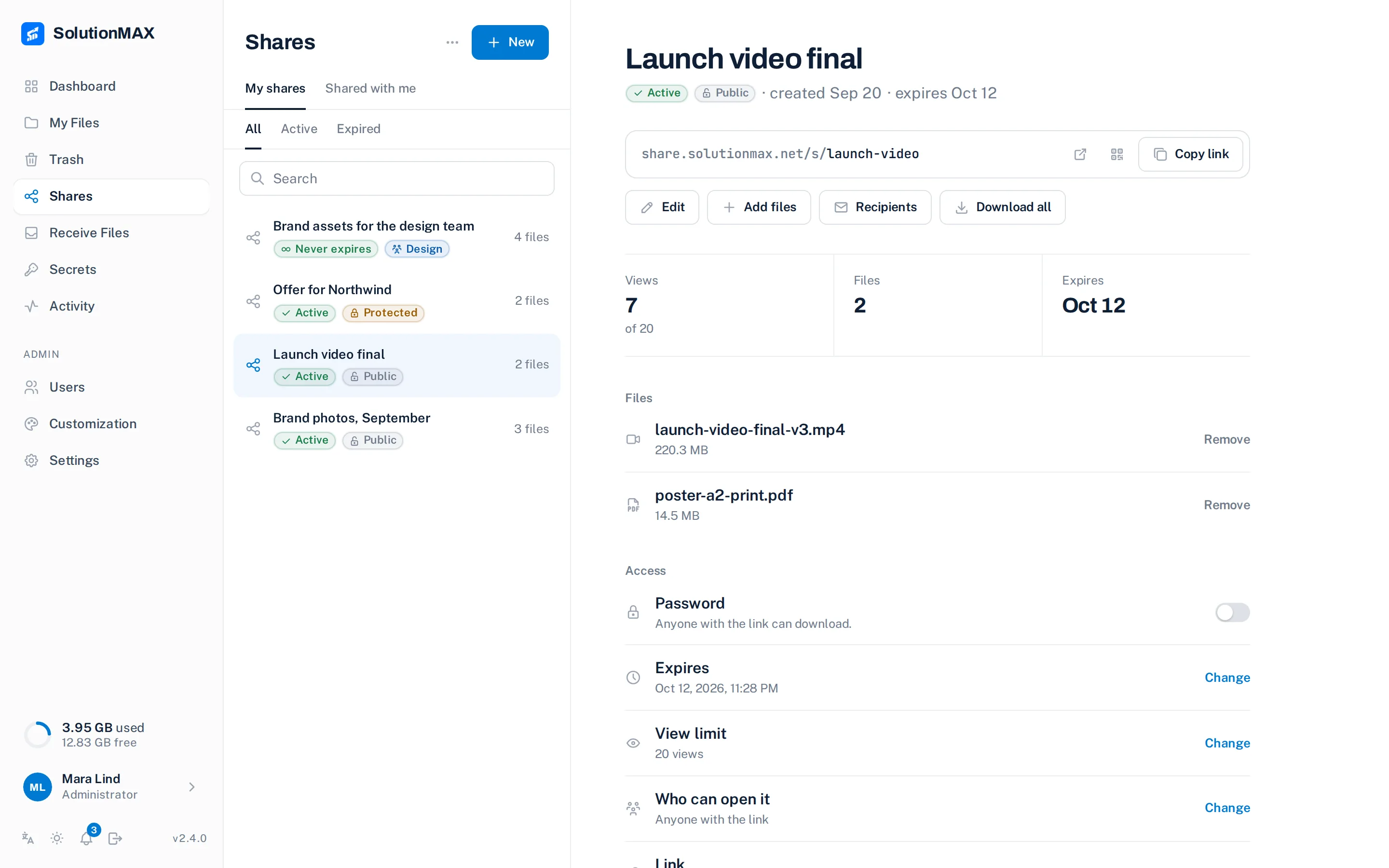
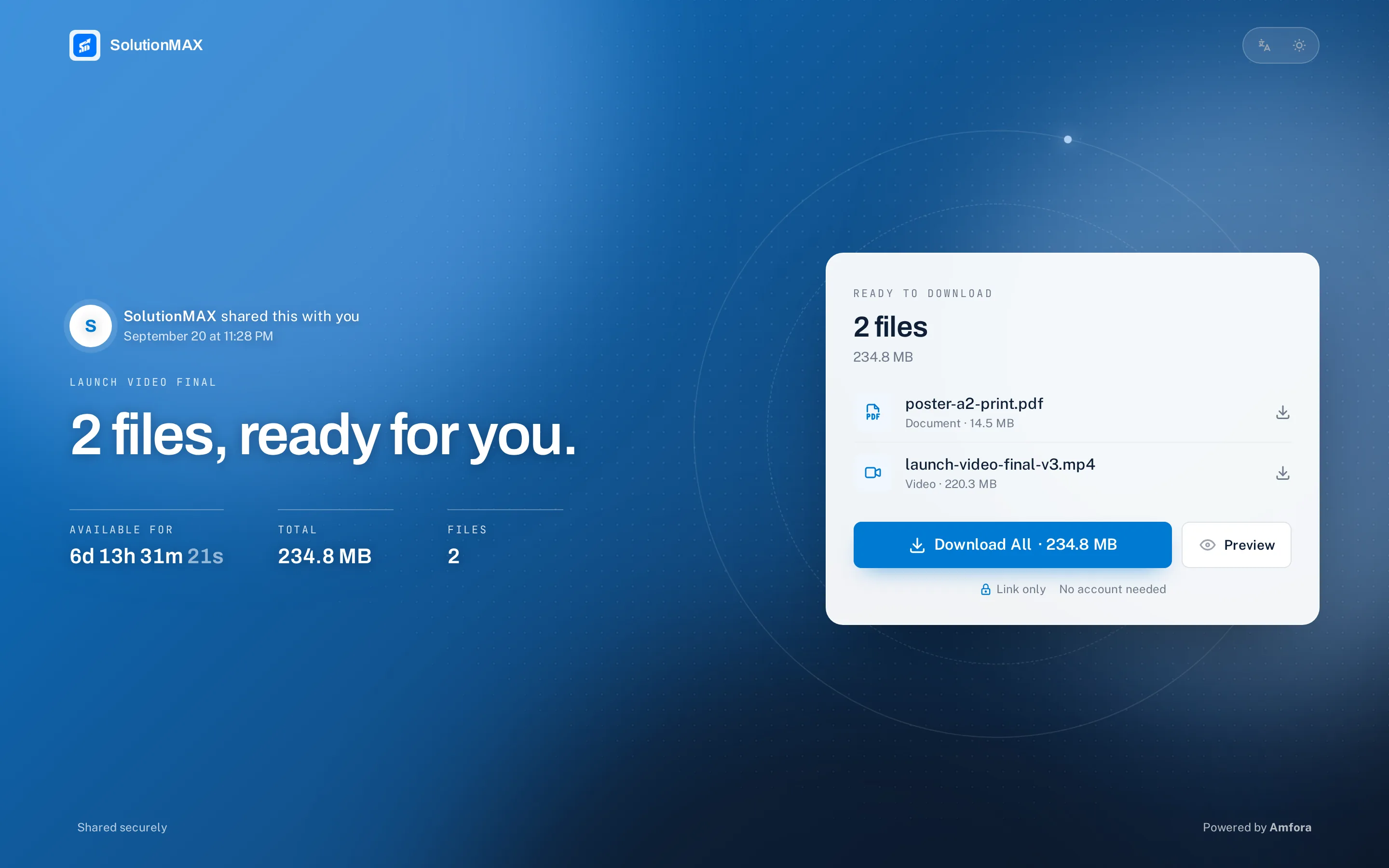
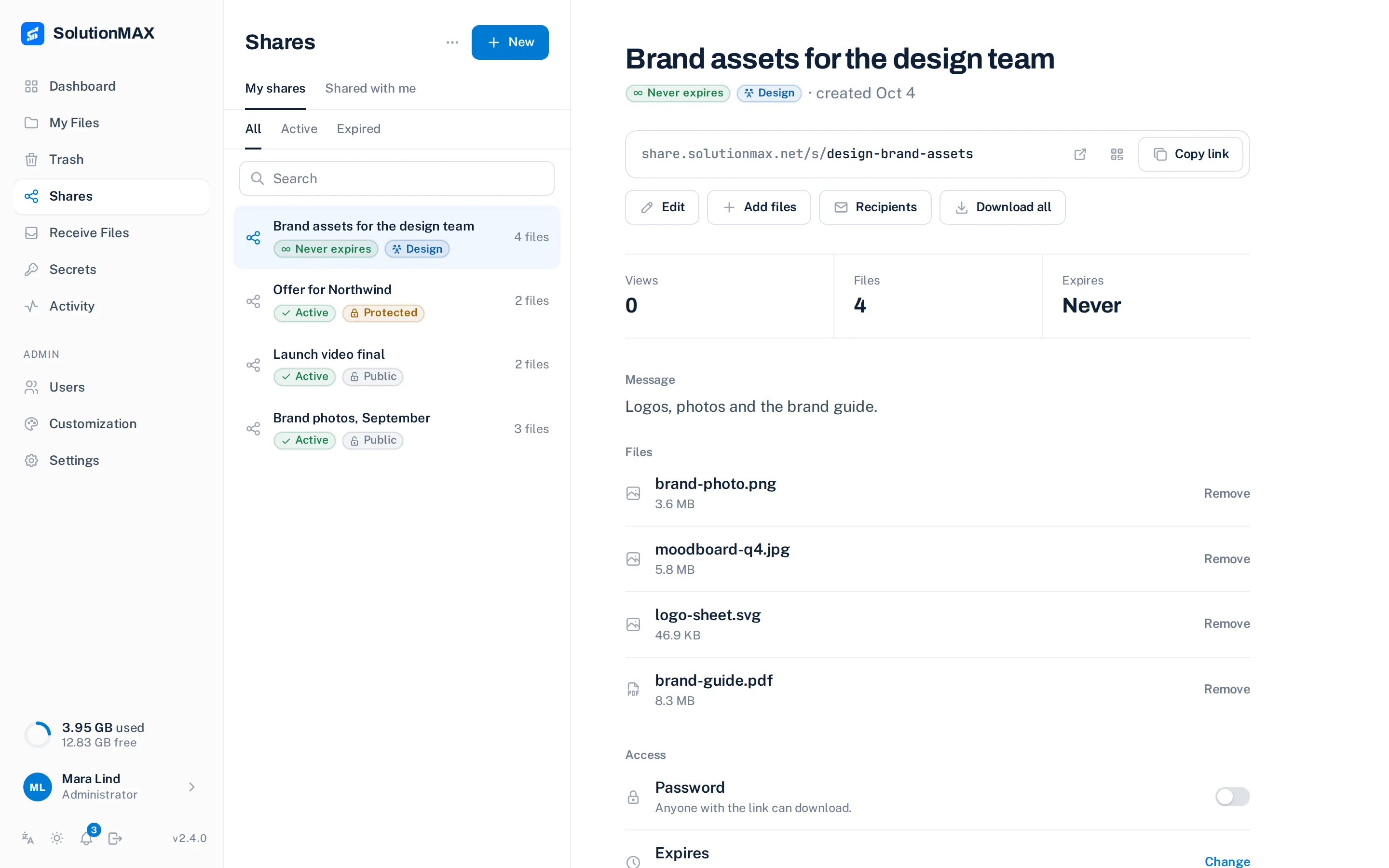
Two directions
Files go out.
Files come in.
A share sends files to someone. A receive link lets someone send files to you. Both are a page on your own address, and neither asks for an account.
A link with the rules you set
Pick files, give the share a name, copy the link. Password, end date and view limit are one click each, and you can change them after sending.
- Password optional
- Expires Oct 12, 2026
- View limit 20 views
- Recipients by email optional
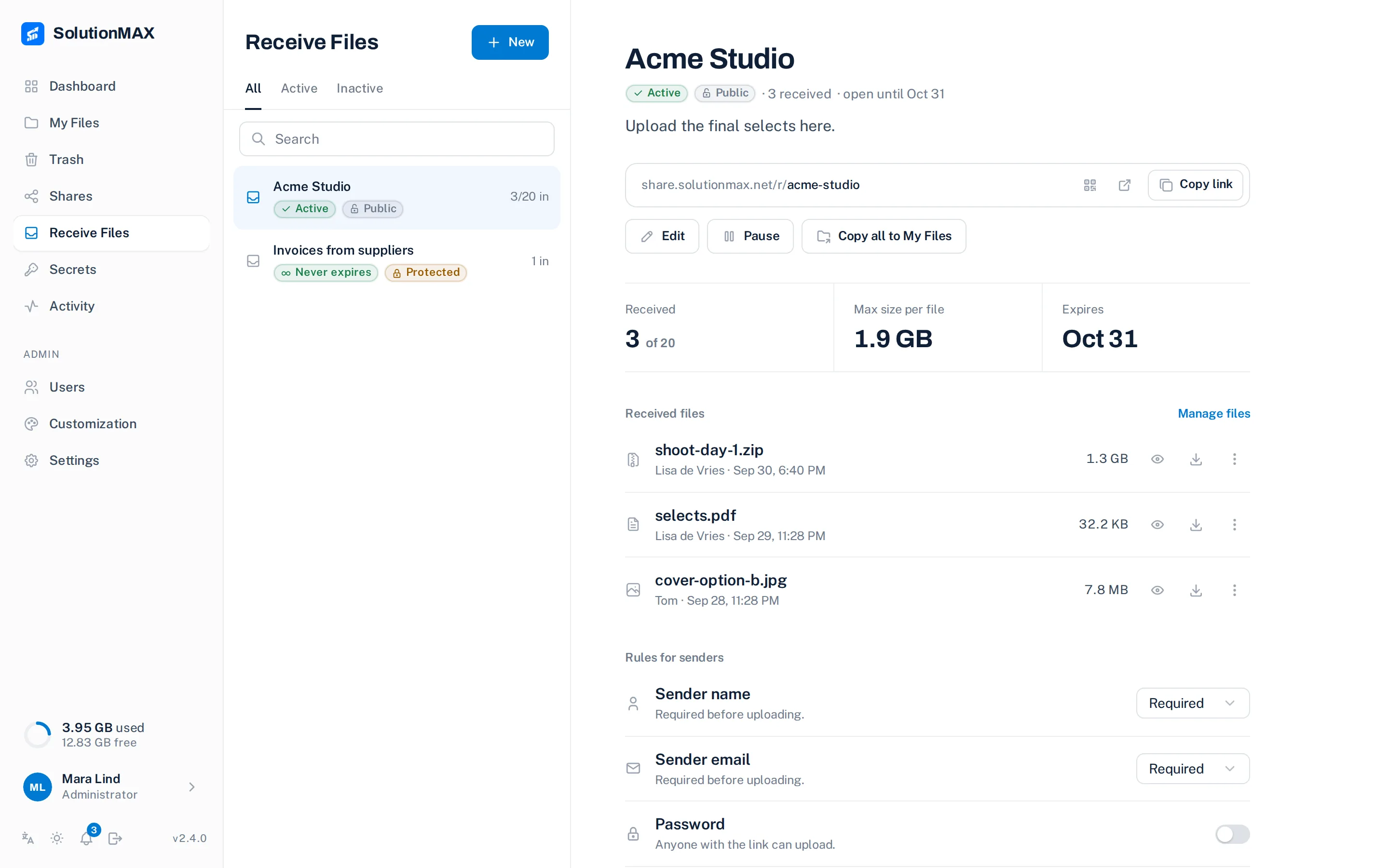
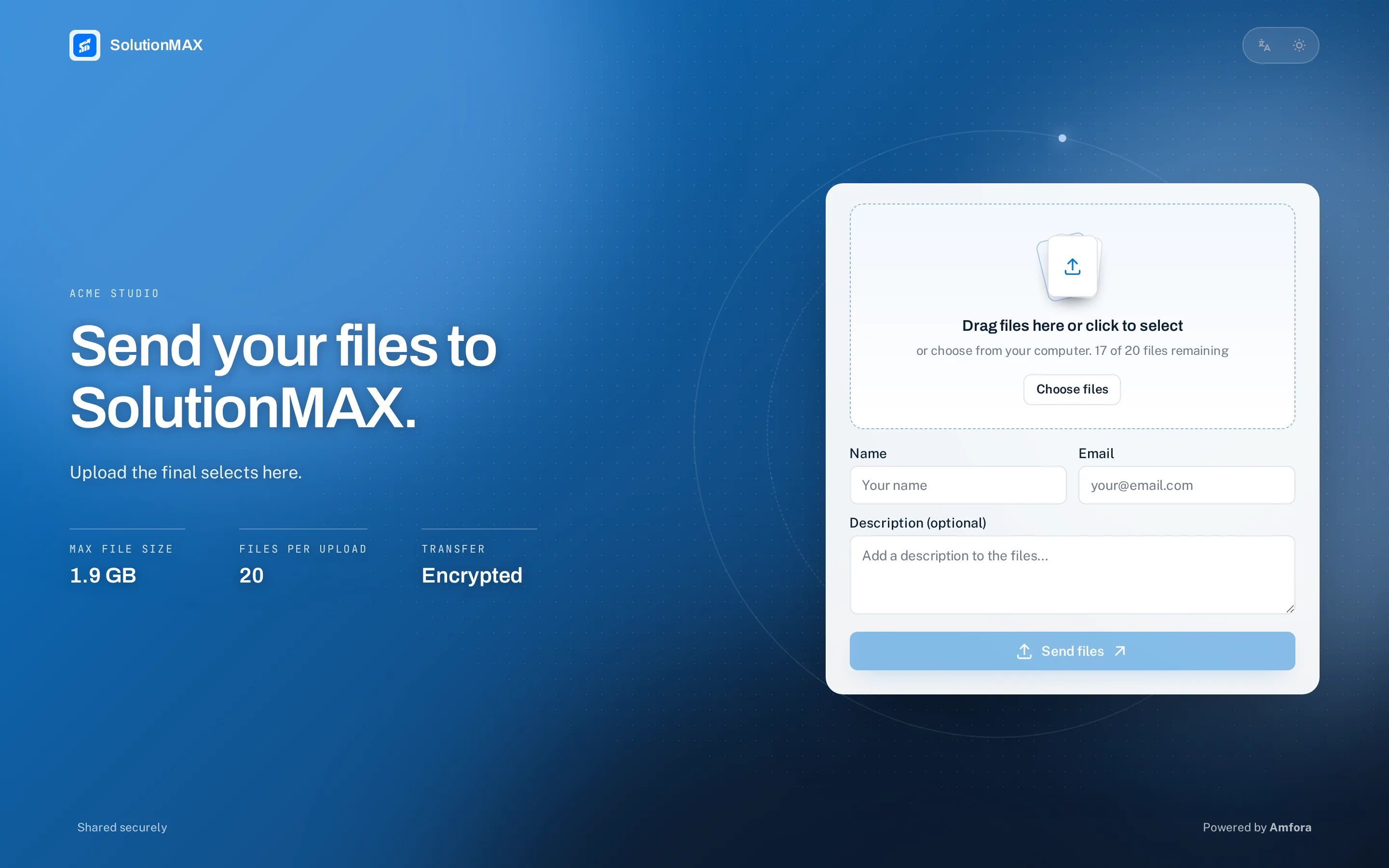
Clients upload straight to you
Hand out one link. They drop their files, you see who sent what and copy it to your own files when you want to keep it.
- Files per link 3 of 20
- Max size per file 1.9 GB
- Sender name and email required or optional
- Password optional
Public pages
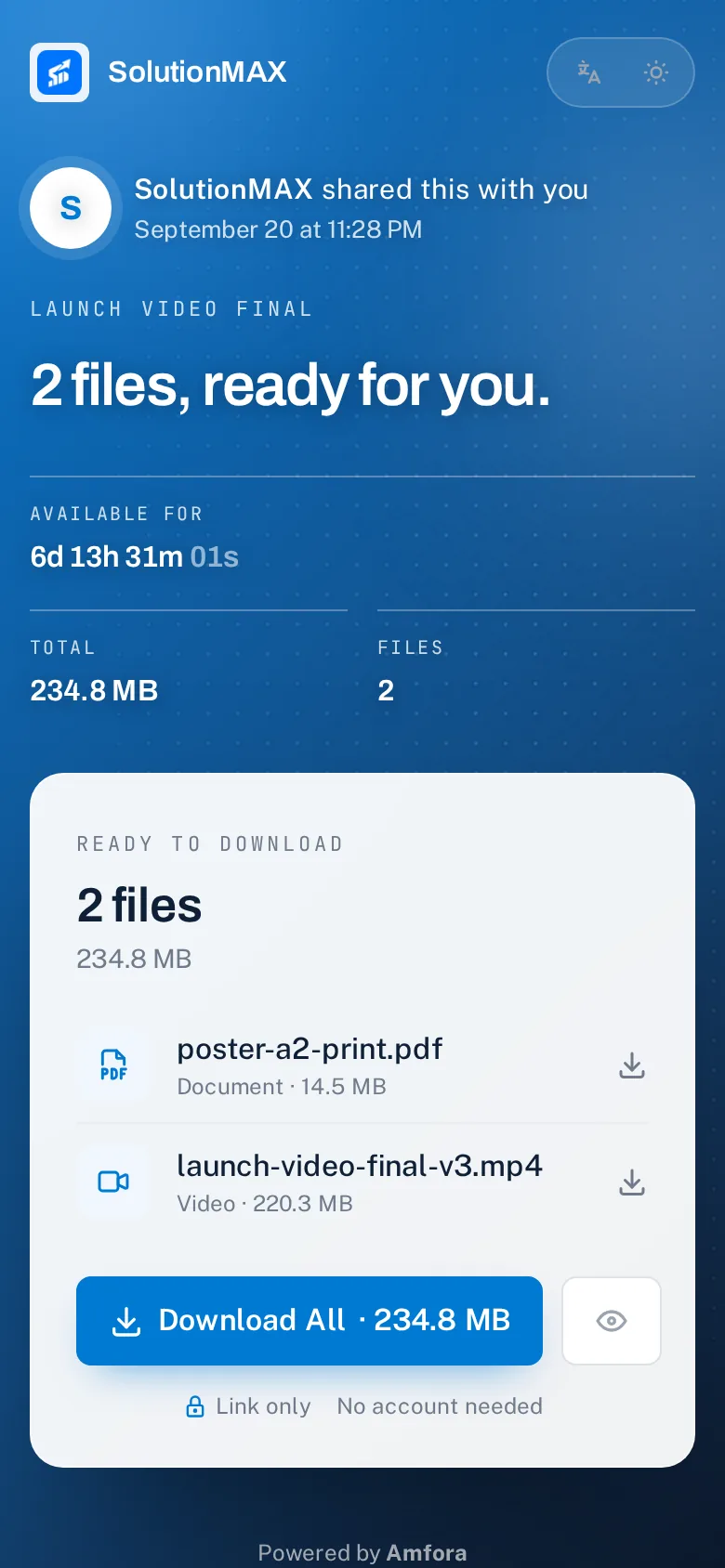
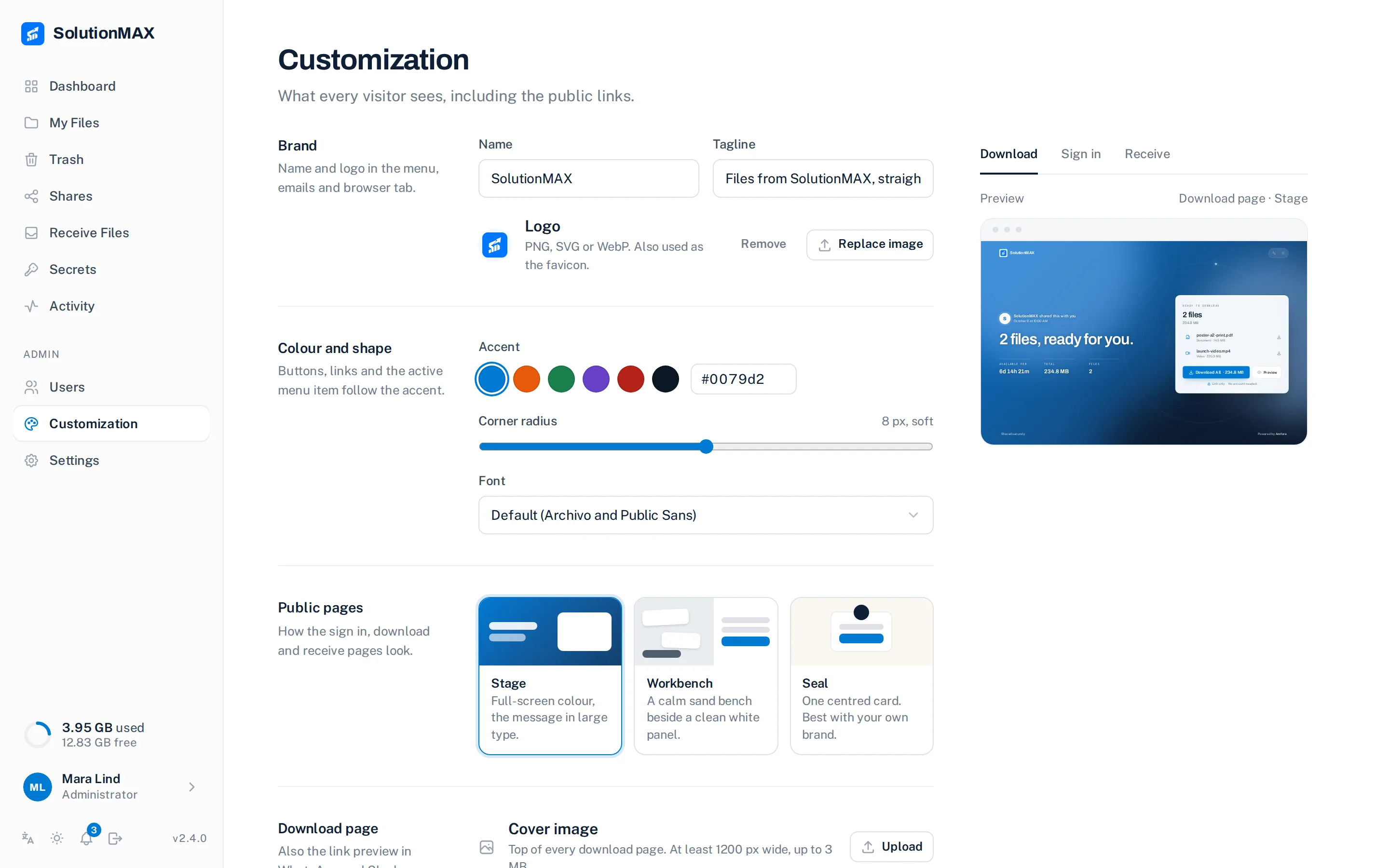
Three looks for the pages
your clients see.
Download, receive and sign-in pages share one theme. Pick it under Customization; your name, logo and colour carry through all three.
The workspace
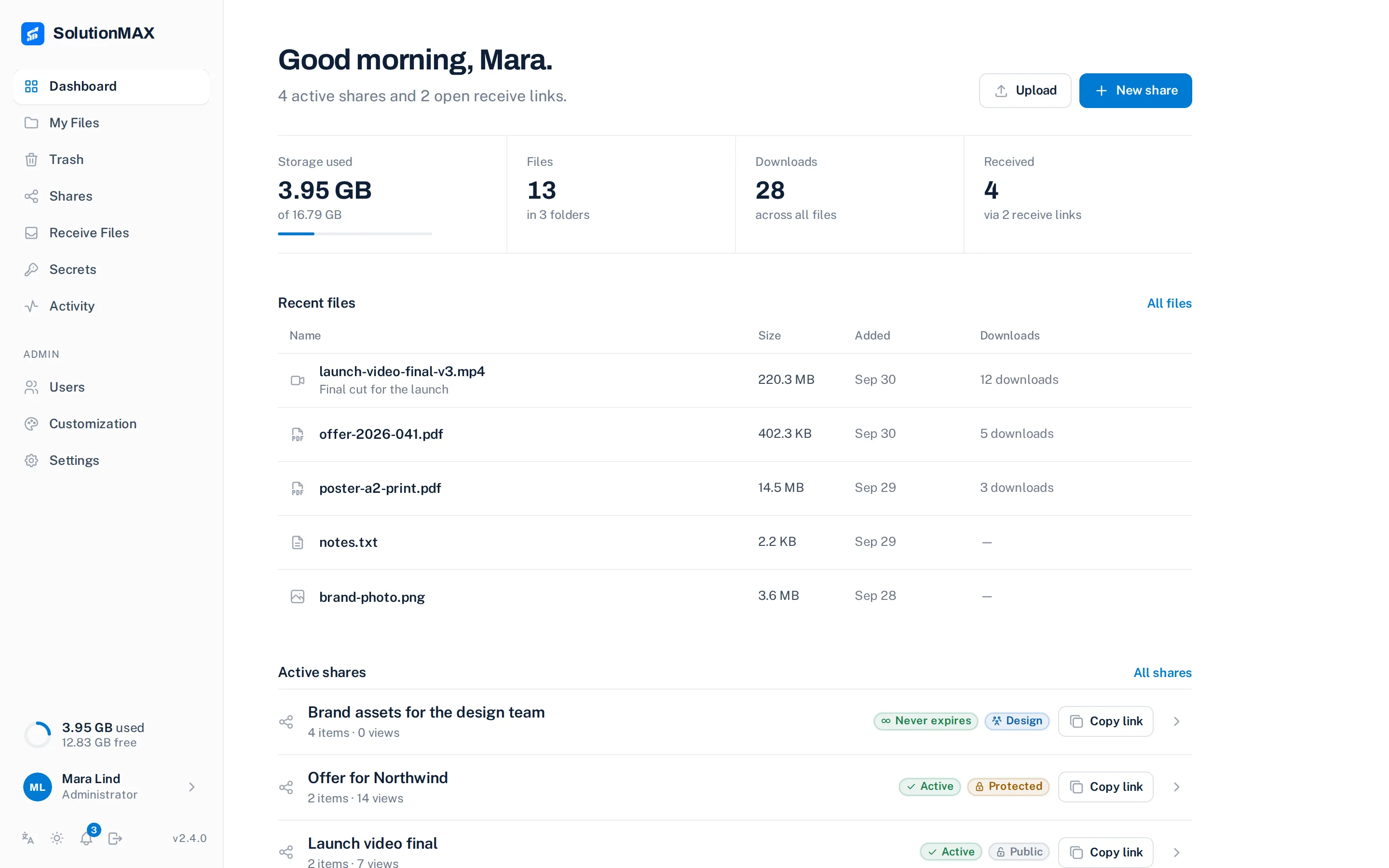
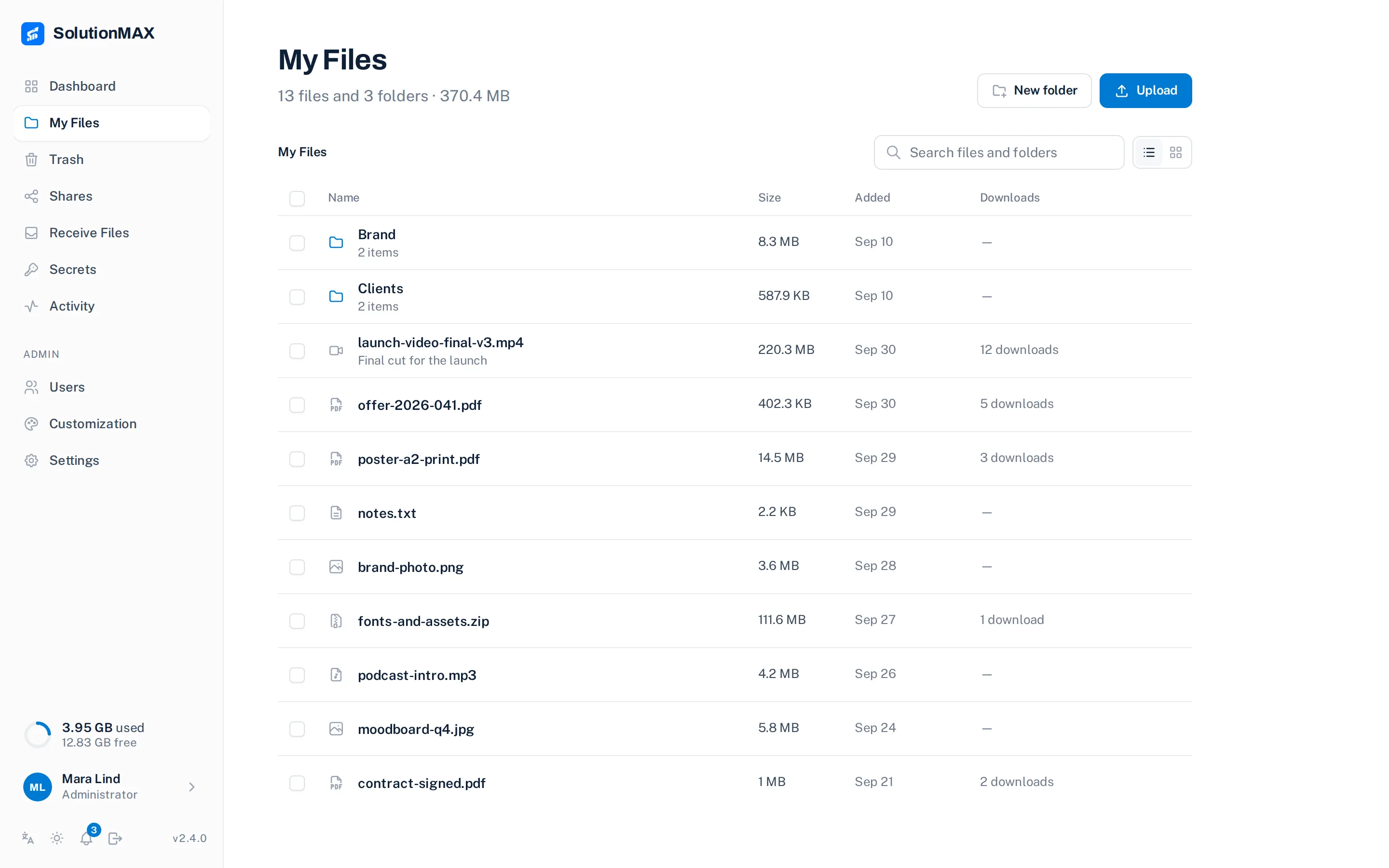
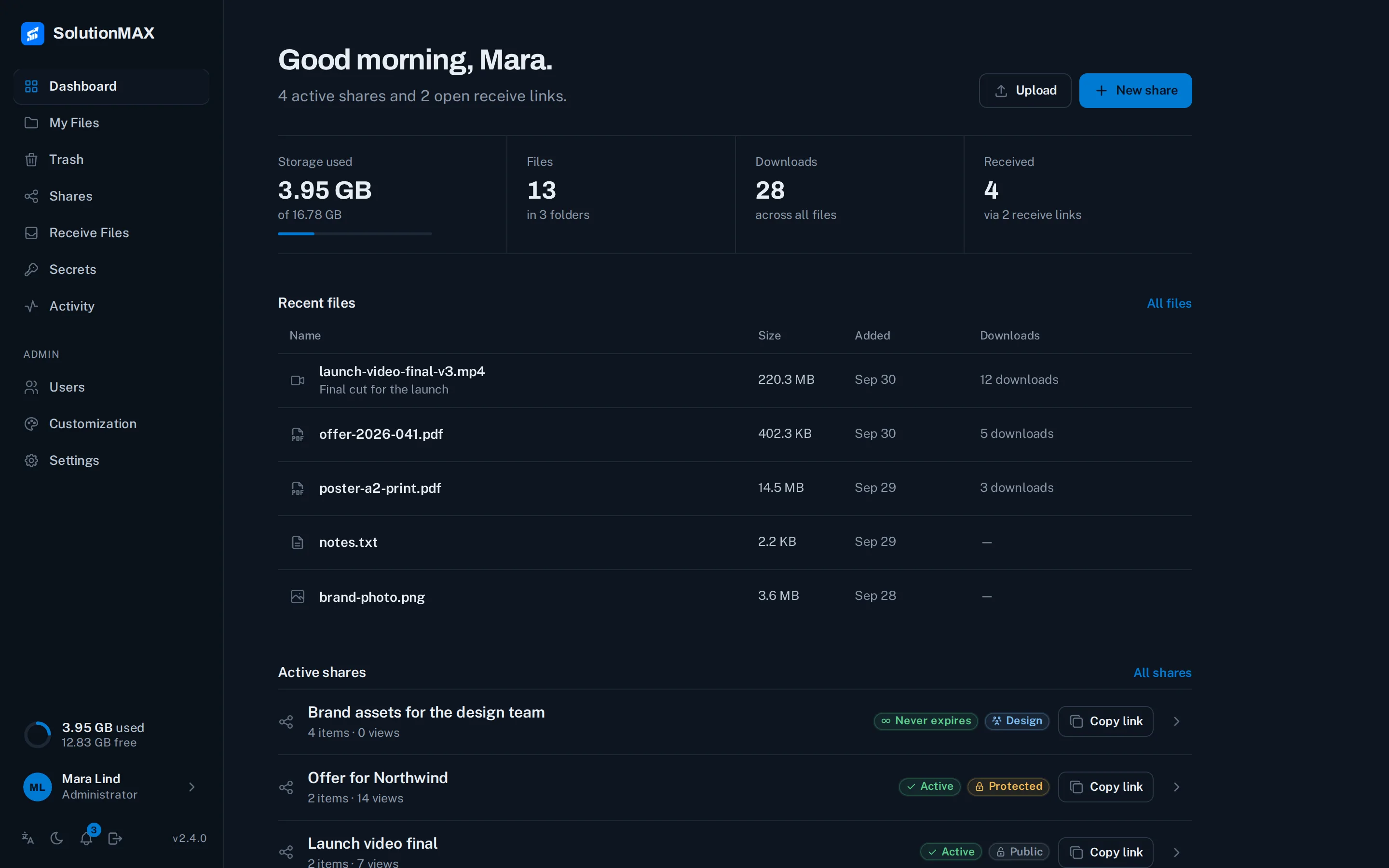
Quiet screens.
Everything in reach.
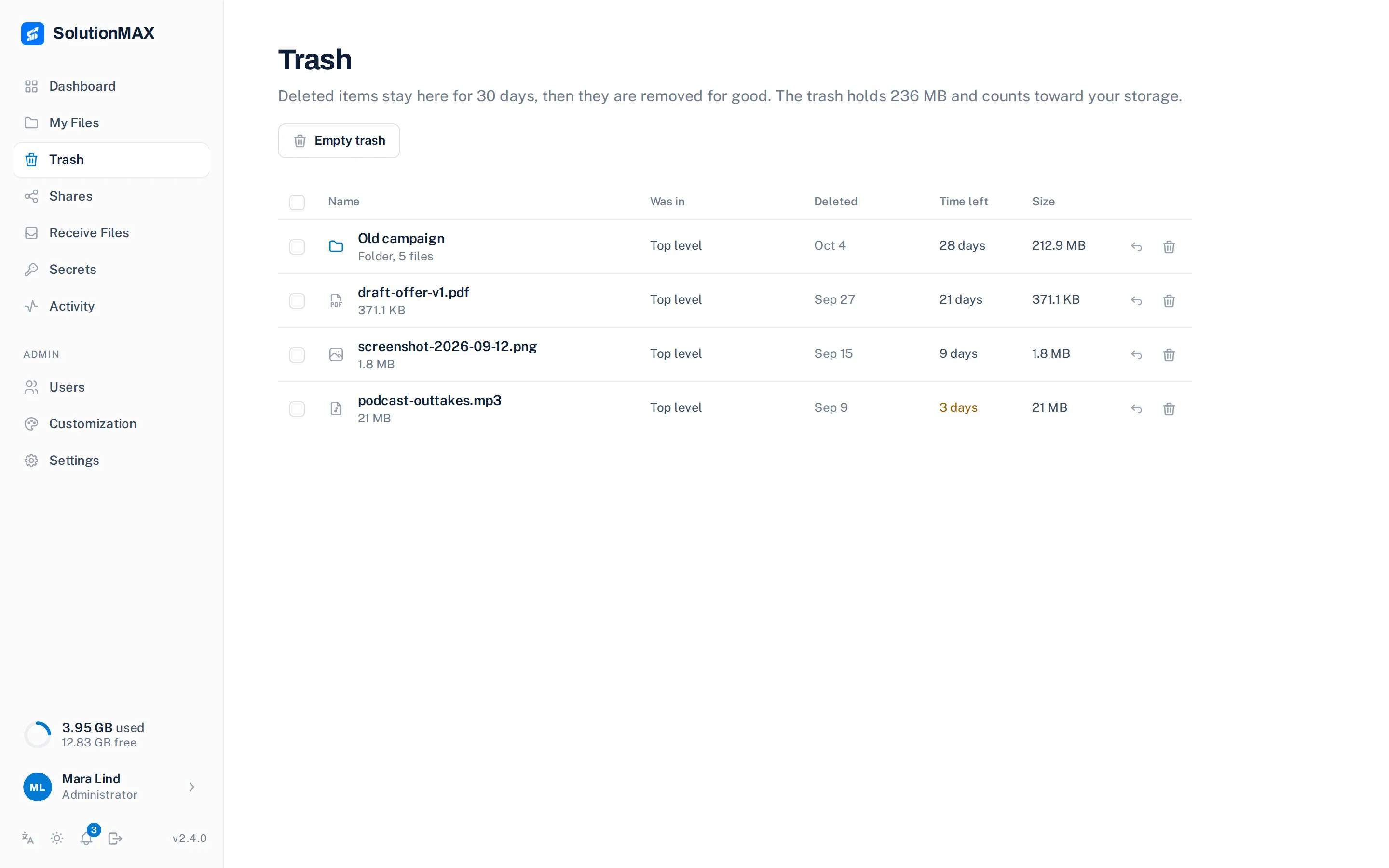
A list on the left, the thing you picked on the right. The screens change by themselves; choose one to hold it.


API
Let your other
tools ask.
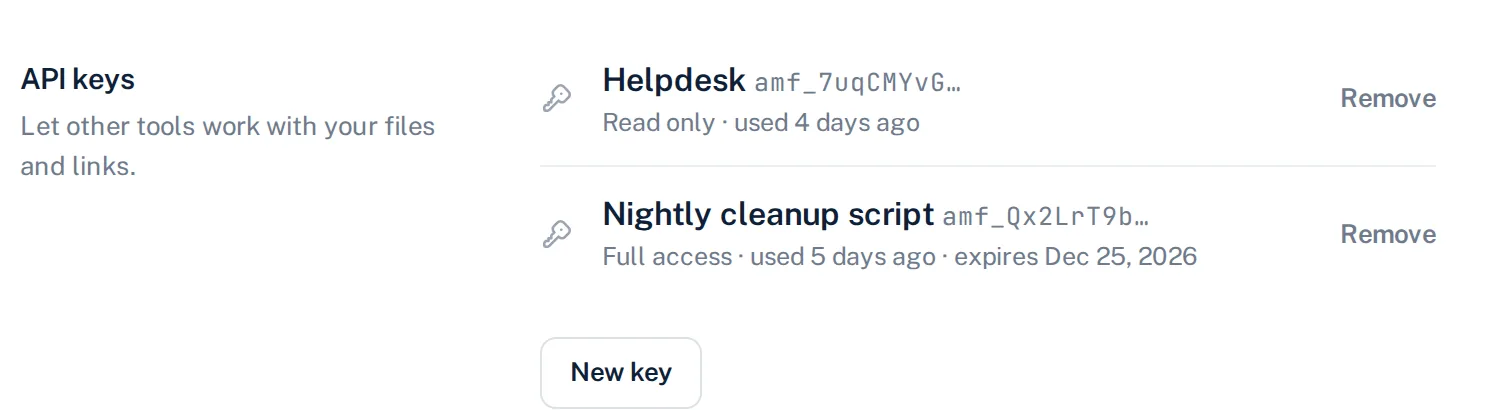
A helpdesk that requests files for a ticket. A script that removes old shares. Create a key on your profile and call the same things you click.
# ask a customer for files
$

{
  "reverseShare": {
    "id": "cmur0n8aq0009",
    "name": "Ticket 1042",
    "maxFiles": 10,
    "isActive": true
  }
}
# the customer uploads at /r/ticket-1042
New in 2.4
Mistakes you can undo.
Access you can narrow.
A trash for deleted files, groups for who may open a share, safer sign-in, a bell for what happened, and an optional virus scan.
TRASH
Deleted is not gone
Files and folders wait 30 days. Restore them where they were, or delete for good.
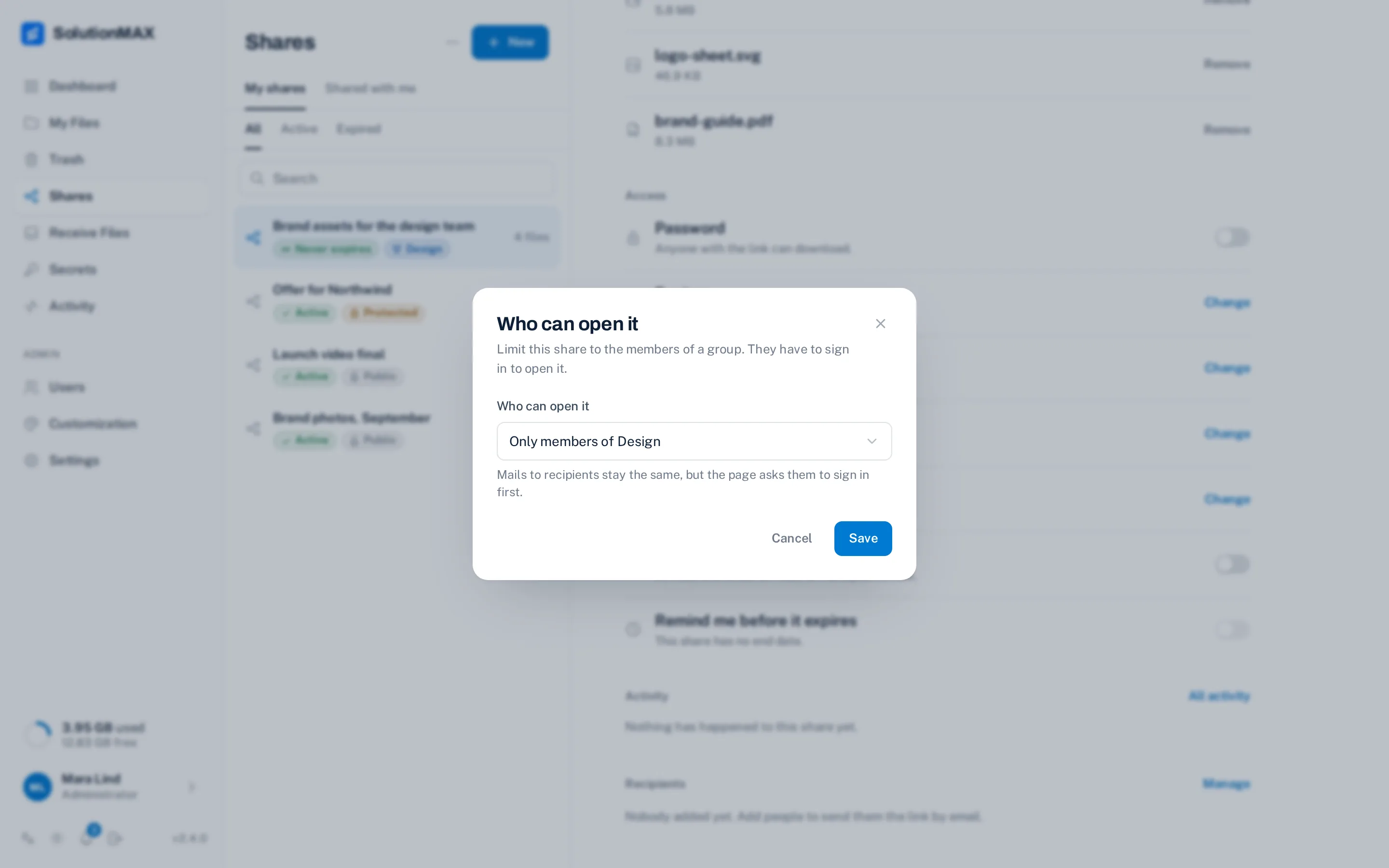
GROUPS
Only for the people of one group
Limit a share to a group. Members sign in and open it; everyone else only sees the name of the group.
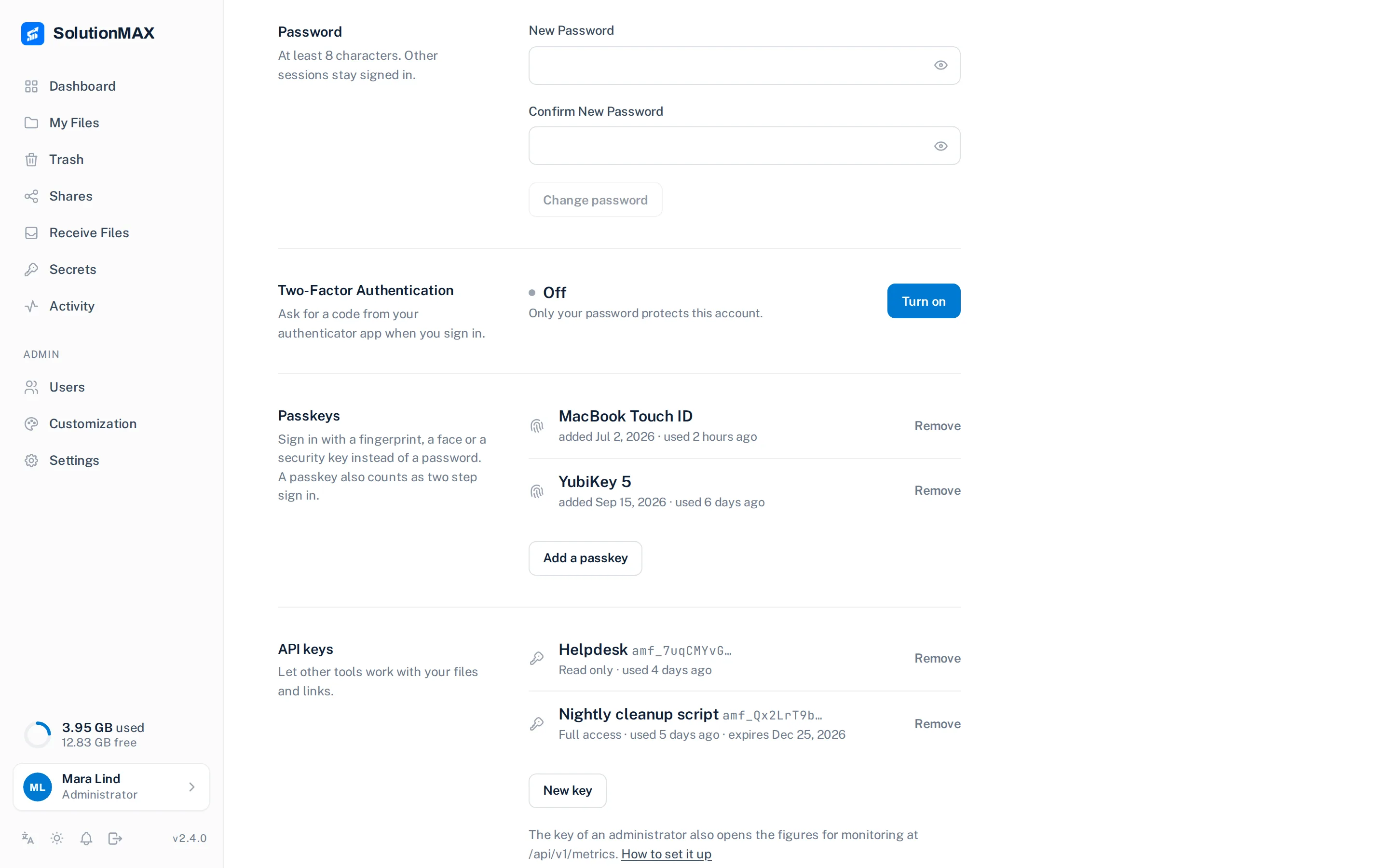
SIGN-IN
Ask for a second step
Require two-step sign-in for administrators or everyone. Passkeys sign in with no password and no code.
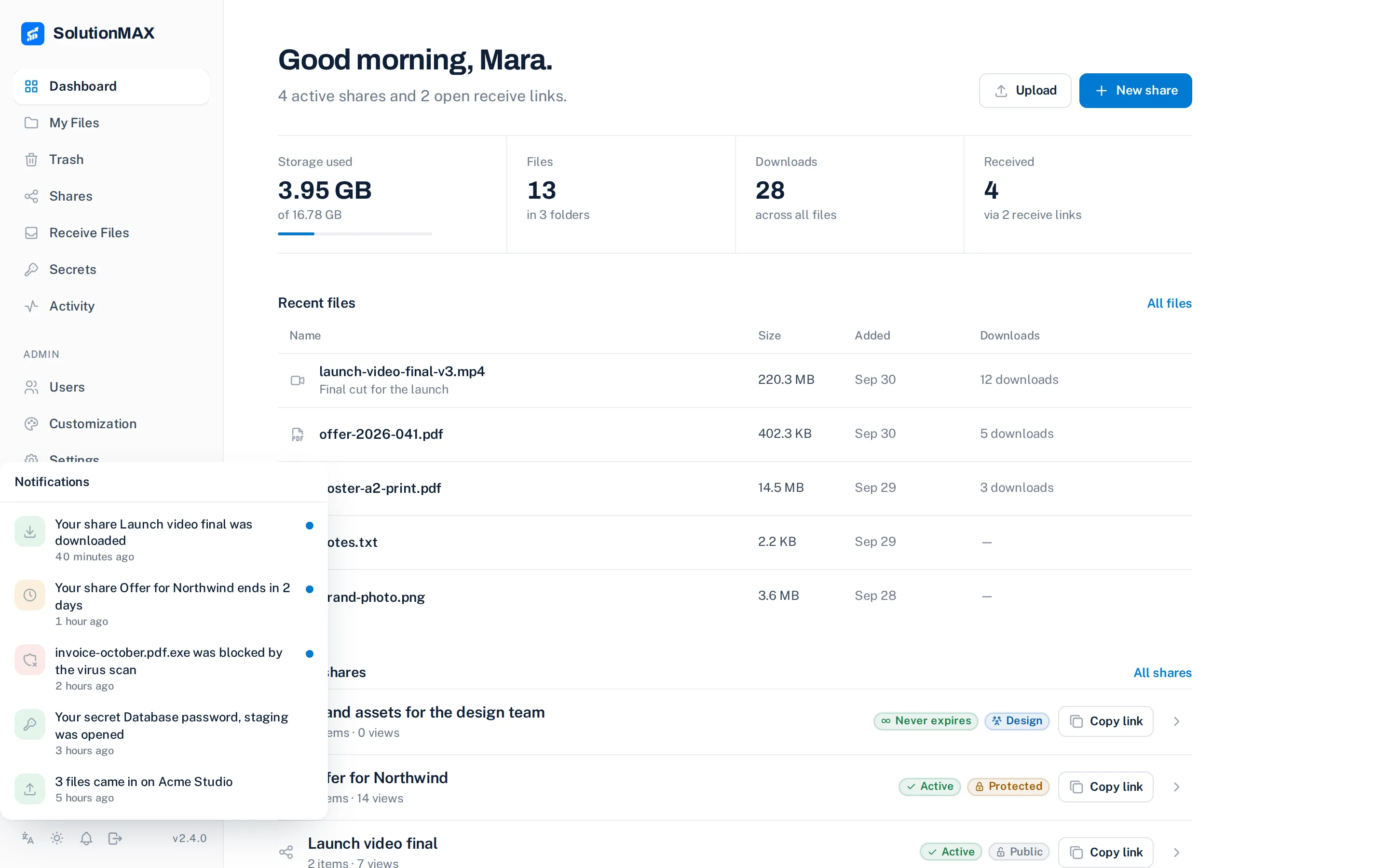
NOTIFICATIONS
A bell for what happened
Downloads, files received, a secret opened, a link that ends soon, storage almost full.
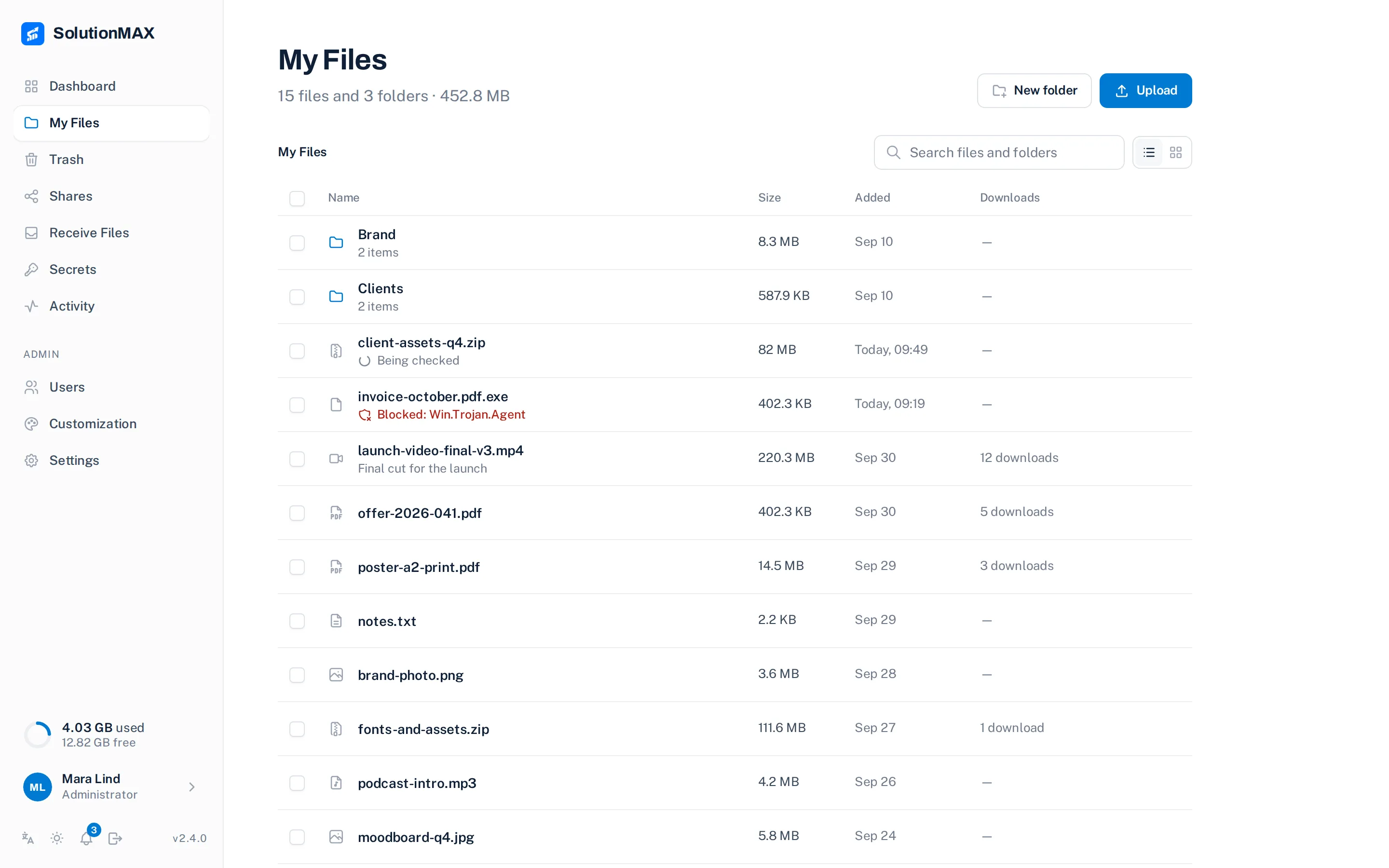
VIRUS SCAN
Checked before it is shared
Set one address and every upload goes to ClamAV. A file being checked or infected cannot be downloaded.
MONITORING
Figures for Prometheus
One endpoint with users, files, bytes, trash and disk. Examples for Prometheus and Zabbix.
amfora_users{kind="active"} 12
amfora_files 1840
amfora_trash_files 6
✓ /api/v1/metrics
ACCESS
Two-factor, passkeys, your own sign-in
Authenticator codes and passkeys, plus Google, GitHub, Authentik or any OIDC provider.
STORAGE
Included, or any S3 bucket
Your files never sit with us.
UPDATES
Signed, one click
The app checks a signed release before it updates.
INTERFACE
Eight languages, light and dark
For you and for the people you send to.
Brandpack
Ours off the page.
Yours on it.
Name, logo, colour, corner radius and font are free for everyone. The brandpack removes “Powered by Amfora” and adds your own background image and CSS.
- One organisation, every installation
- Never expires, also not across versions
- Checked on your server, no phone-home
 FreeBrandpack
Run it
One command.
Your server.
Docker with storage included, or point it at any S3-compatible bucket. Nothing phones home.
Before you start
Straight
answers.
I run Palmr. Can I move?
Yes. Palmr was archived in February 2026; Amfora reads its data volume as it is, so users, files and links you already sent keep working. Five steps to move.
Is Amfora a hosted service?
No. It runs on your own server or VPS, with included storage or a bucket you own.
Do the people I send to need an account?
Never. A download link opens in the browser; a receive link lets them upload without signing up.
Is it really free?
Yes, all of it, under Apache-2.0. The free version shows “Powered by Amfora” on public pages; the brandpack removes that for €79 once.
How do updates work?
The app checks a signed release and can apply it in one click when the host updater is installed. Otherwise you pull the image yourself.
Get started